

AI Real EstateVideo Generator
Turn the photos you already have into cinematic property clips. Find your opening shot, bring a room into focus, and give your next listing a little movement.
Create your videoYour next listing
Make your property video
Start with a clear room or exterior photo. Add a direction, or use the prepared motion.
Turn property photos into a story
Select a photo to explore its camera movement, or play the full storyboard.
Property photos
Storyboard preview
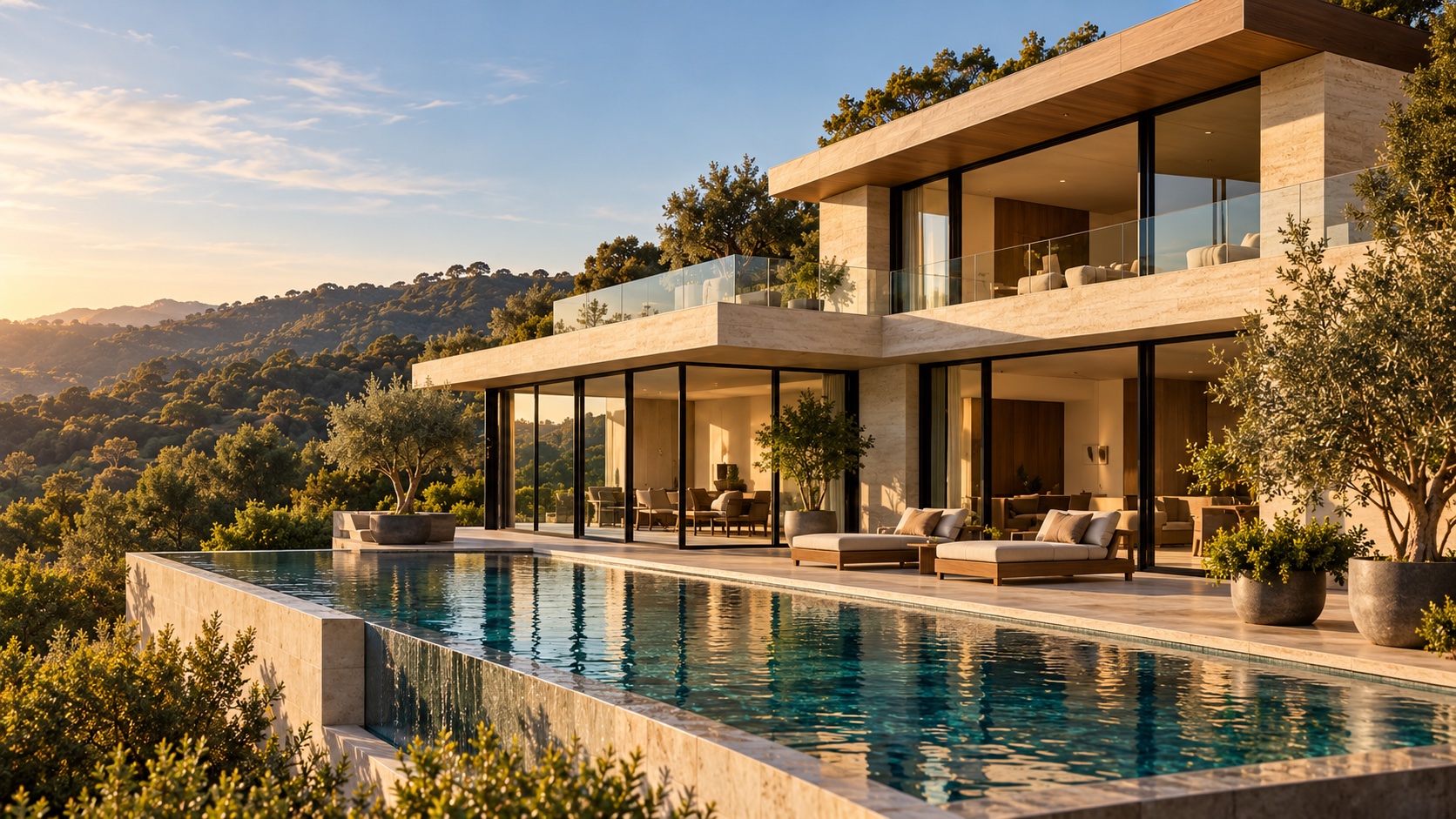
Exterior
Slow approach
More from the photos you already have
A camera direction to start with
Use the prepared gentle movement, choose a direction from the storyboard, or describe a detail you want to emphasize.
A format for your next post
Choose landscape for a listing presentation, portrait for a Reel, or square for your feed. Set the length and resolution before generating.
A clear cost before you create
The credit estimate updates with your settings. Start with a short draft, review the result, and decide which shots to make next.
From photo to first draft
Three steps to your first property clip
Start with the strongest photo from your listing. Vhoo adds a prepared camera direction so you can create a first clip without writing a prompt from scratch.
Read the photo-to-video guideChoose a photo with a clear focal point
Upload a room, exterior or feature you want to showcase. Use JPG, PNG or WebP images up to 10 MB each. One clear photo is enough to start; up to nine references are supported.
Set the frame and camera direction
Open Settings to choose the aspect ratio, 480p or 720p, and a duration from 4 to 15 seconds. Keep the prepared motion or use a shot direction from the example above.
Generate, review and finish
Check the credit estimate and submit. Follow progress in Your videos, then download your clip. Review the property details and add your listing text, music or contact card in your editor.
One listing. Several ways to show it.
Introduce a new listing
Lead with a strong exterior or welcoming room. Create an opening clip for your listing page, email or property presentation.
Make a room the highlight
Give the kitchen, terrace or living space its own moment. Use a portrait frame for social posts and finish with your message.
Add to a photography package
Turn selected photos into short motion clips for a client. Choose the usable takes and deliver them alongside your original photographs.
A few useful details
Before your first video
No. Upload a property photo and use the prepared gentle camera direction. You can also select a shot direction from the storyboard or add your own note. The storyboard buttons copy directions only; upload your own photos to create a video.
The hero currently uses stock property footage as a temporary preview. The six-shot example below is an original AI-created storyboard; its player sequences concept stills to show an intended 15-second edit. Your own generated video appears in Your videos after submission.
Multiple photos are references for one generated clip. The tool cannot guarantee that every photo appears, that each shot lasts a specified time, or that the order matches the storyboard. Generate separate room clips and assemble them in an editor when timing and order matter.
Choose 9:16 for a vertical clip or 16:9 for a landscape presentation. You can combine downloaded clips into a longer video. This tool does not reconstruct an accurate continuous route through a home or create an interactive 360-degree tour.
This workflow requests a silent visual clip without generated titles or narration. Add captions, licensed music, branding and verified property details in your editor after downloading.
The generator shows the estimated credit cost beside the arrow button. Duration and resolution affect the estimate. Sign in to generate; each new variation is a separate generation that uses credits.
Use clear source photos and restrained camera movement. Compare the whole clip with your originals, especially windows, doors, room boundaries, reflections and fixed fittings. Discard inaccurate takes before publishing a real listing.
Your next property story starts with a photo.
Pick your strongest room or exterior. Set the direction. Create your first clip.